


In 2026, the production of content is growing exponentially, especially on YouTube, Instagram Reels, and Tik Tok. The viewers are now more drawn to short, attractive, and engaging video content as opposed to plain and simple videos. Due to this change, creators are currently emphasizing on the tools that will assist them in creating quality content in a fast and efficient manner. Conventional content creation tools such as video editing, photo editing and resume building demand appropriate skills, costly software, and time. Most novices, learners, and small makers are unable to afford such resources. This introduces a disconnect between innovation and action. To address this issue, AI is becoming a trend, and one such potent platform is SupaWork. This article will provide complete information about SupaWork AI Review(2026) – Features, Pricing Pros & Cons and More.
What Is SupaWork AI?
SupaWork AI is an artificial intelligence based cloud-based software enabling users to generate digital content including videos, pictures, professional headshots and resumes by using simple inputs like text prompts or uploaded photos. Rather than needing to have sophisticated editing capabilities or costly software, it relies on artificial intelligence to create and improve content automatically, which can be more time-intensive and simpler. This platform is aimed at content creators, students, freelancers, and job-seekers, who are willing to spend less time creating high-quality visuals and professional documents. SupaWork functions as a one-stop shop in content creation and career development through integrating numerous tools, such as text-to-video, face swap, image editing and resume building.
SupaWork AI Category
The SupaWork AI platform has the following categories:
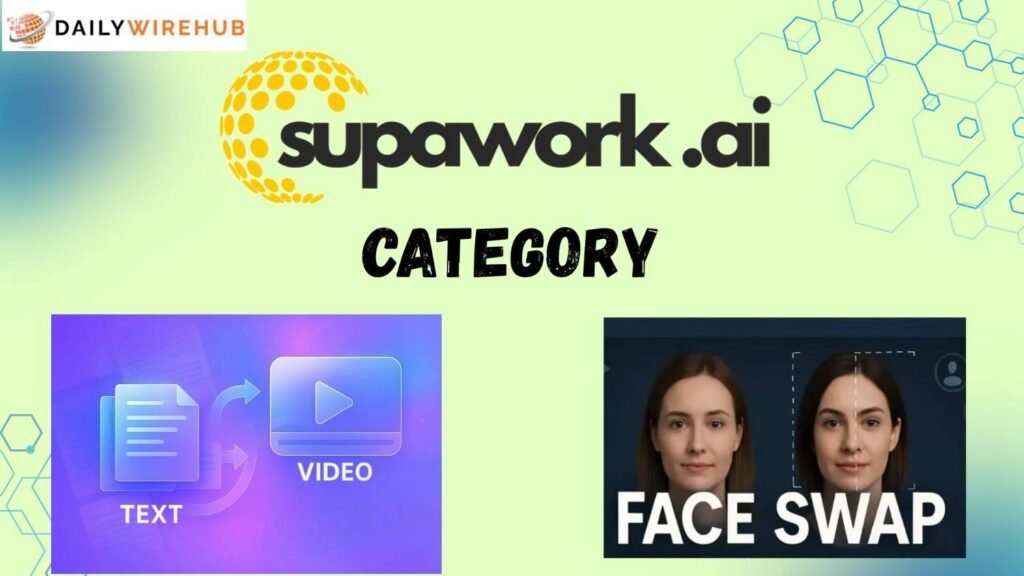
- Text to Video: Text to Video feature enables one to make a video by just typing in a description. The AI will read the prompt and create a video according to the specified idea. This comes in handy in producing short content at a fast rate without recording or editing them by hand.
- Image to Image: This is a feature that is able to help people upload their photos and transform them into other forms like anime, painting, or contemporary digital art. It assists in enhancing creativity and provides a professional appearance to plain pictures.
- Image to Video: Image to Video will transform still images into an animated video by providing motion effects. It assists users to recycle the already existing content and make it more social media interesting.
- Face Swap Video: Face Swap Video enables users to swap faces in videos with their faces. This is a popular feature of creating viral and entertaining content. It is automatic and modulates lighting and expressions.
- AI Headshot Generator: This software makes high-quality headshots out of a mere selfie. It comes in handy with LinkedIn profiles, resumes, and online portfolios.
- Resume Tools: Other career tools offered by SupaWork include resume builder and resume checker. The tools assist the users in making professional resumes and enhancing them according to job requirements.
SupaWork AI Features
The key features of SupaWork AI are discussed below in detail:
- Text-to-Video Generation: SupaWork enables users to make videos by using text prompts. All you have to do is to explain your idea, and the AI creates a video based on it. This saves time and eliminates video editing manually.
- Image-to-Image Conversion: The users will be able to post their personal images and turn them into high-quality visuals created by AI. This option comes in handy to improve designs and generate original content.
- Face Swap Video: It is a feature that enables users to swap faces on videos. It is popular among creating entertaining and viral content. The facial expression and lighting are automatically matched by the AI.
- AI Headshot Generator: SupaWork develops professional headshots based on selfies. The headshots are applicable in job applications, LinkedIn profiles, and portfolios.
- AI Lip-Sync Feature: The platform has the ability to automatically sync video with audio. This enables videos to have a more realistic appearance without being edited manually.
- Resume Builder: This is a tool that assists users to make resumes with simple information. The AI produces an automatic professional resume format.
- Resume Checker: Users can post their resumes and receive suggestions on how to better the keywords, format, and structure. This helps in passing ATS systems.
- Online and Mobile Support: SupaWork is a browser and mobile device based application, which means that users can create content anywhere.
- HD Export: Videos and images can be exported by the user in high quality that can be used in sites such as YouTube and Instagram.
SupaWork Download
Step 1: Go to the Official Website
Browser Open your browser and go to SupaWork official site.
Step 2: Sign up for your account
Create an account with your email or Google account.
Step 3: Access the Platform
SupaWork is primarily web based, therefore, you may use it directly without downloading bulky software.
Step 4: Begin with the use of Tools
Once you have logged in, select a tool, like text-to-video, face swap, or resume builder and start creating content.
SupaWork AI Login
Step 1: Log in to your account.
Log in with your registered details.
Step 2: Create a New Project
Select the type of content you wish by clicking on the option of creating a new project.
Step 3: Add Prompt or Upload Content
Click on a feature and provide a text prompt or an image depending on what feature you are using.
Step 4: Generate Content
Get the AI to take your input and generate the output.
Step 5: Customize Output
Make adjustments to enhance the end product as per your requirements.
Step 6: Preview Content
Review the output to see that all appears fine.
Step 7: Export Final Output
Get the completed content and post it to social media or career.
Supawork AI Pricing
Supawork is priced on a soft coin model, meaning that users will pay a monthly fee and get coins to use on various tools such as video creation, AI headshots, and design options. This model enables the user to manage their expenditures since the coins are not used unless they are making content. The low plans suit beginners and the high plans suit heavy users and professionals who have more output to be done on a regular basis.
| Plan | Price (Monthly) | Coins | Best For |
| Starter | $9.99 | 400 | Beginners |
| Basic | $14.99 | 800 | Light usage |
| Popular | ~$37.99 | 3,000 | Regular creators |
| Power | ~$89.99 | 8,000 | Professionals |
Is SupaWork AI Legit?
Yes, SupaWork is not particularly unsafe to utilize since it is an online service with a standard login and security mechanisms. Users are able to generate content, edit images and make resumes without big safety issues. But also, safety lies in its use. You are not supposed to post confidential personal information, personal documents or copyrighted material without authorization. It is also important to use strong passwords and not share your account with others. The use of features such as face-swap should be responsibly to prevent abuse or false information. SupaWork is a safe and trustworthy tool of generating content and professional activities when utilized correctly and in accordance with the guidelines.
Tips to better use
- Get improved AI results with clear and detailed prompts.
- To improve the quality of output upload high quality images.
- Experiment with the styles and forms to discover the most suitable one.
- Always preview before exporting final version.
- Use free credits prudently so as not to waste it.
- Manual editing together with AI-generated content.
- Make videos concise and interesting to be more reachable.
- Make resumes and LinkedIn use professional headshots.
- Conduct experiments frequently to enhance performance and innovations.
- Select appropriate tool feature depending on your content objective.
Pros and Cons
| Pros | Cons |
| Easy to use | Needs good prompts |
| Fast content creation | Limited customization |
| All-in-one platform | Some features are paid |
| Beginner-friendly | Requires internet |
| Works on mobile and web | Not for advanced editing |
Conclusion
SupaWork AI is an effective and useful resource to contemporary content-creators, students, and freelancers. It also enables users to easily make videos, images and professional documents without having to use high technical expertise. The site is particularly convenient when an individual is a beginner and wishes to expand on social media or get ready to take a job.
Though it still may not completely substitute professional editing software, it is among the most effective in 2026 in terms of quick, cheap, and efficient creation of AI-based content. SupaWork can save time and enhance productivity with the proper utilization and imagination of its users.
FAQs
SupaWork AI is an Internet-based solution that assists users to produce videos, images, and resumes with the assistance of artificial intelligence.
Yes, free and limited plans will be provided with fewer features, and advanced tools can be found in paid plans.
It integrates content and career tools into a single platform, thus being more flexible than single-purpose tools.
It has Free, Base and Pro plans with varying features and usage restrictions.
The users will have an opportunity to pay with credit cards, debit cards, and online methods.
Read More:
How to Manage Minor Sports Injuries with Simple Home Remedies
